


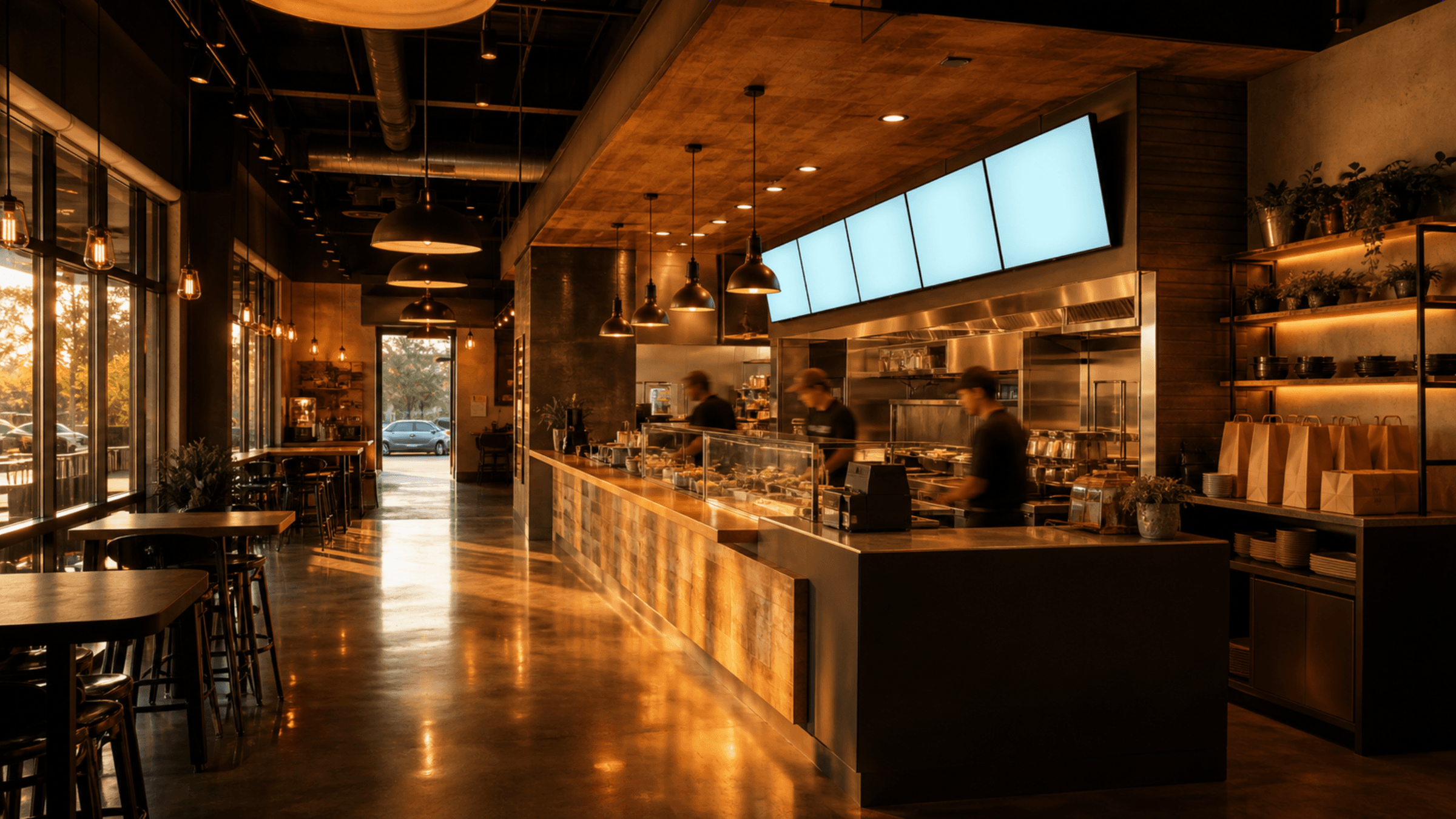
TVMenus · Digital menu boards without the player box
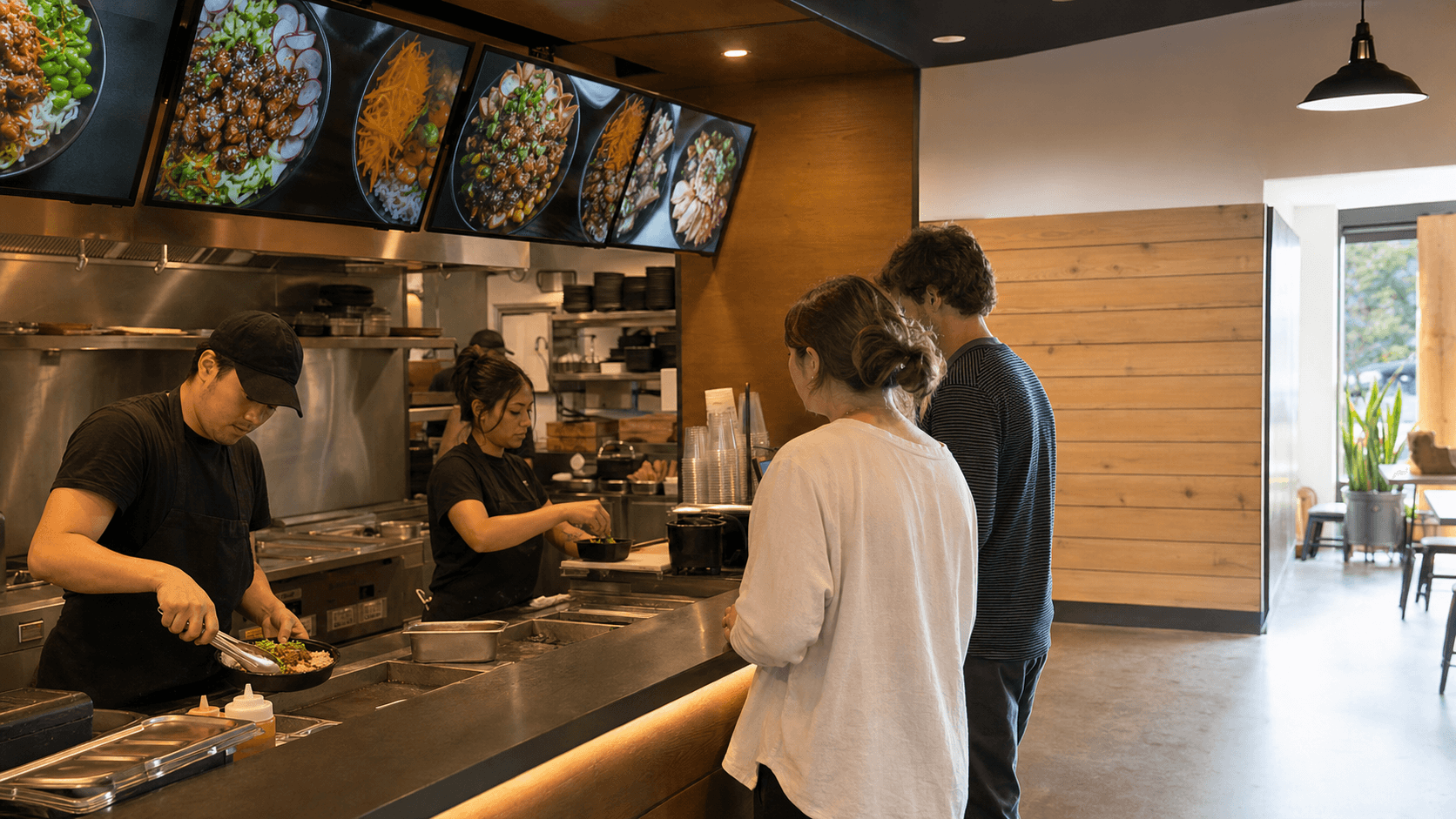
Turn a compatible Google TV into a menu board. No additional hardware.
Install TVMenus directly on qualifying Google TVs — including select TCL, Hisense, and Sony models. Upload the menu you already have and change every screen from your phone.
No card required · Your first screen is free forever
Chapter 02
Put the screen you already own to work.
A compatible Google TV can show a menu, promotion, schedule, announcement, or team update without a separate player box.
Chapter 03
Use the artwork you already have.
Your menu is already a file — a design, an export, a photo of the printed board. Upload it and it plays. Nothing to rebuild, nothing to lay out.
Chapter 04
Your compatible Google TV is already the player.
Install TVMenus from Google Play on the TV, enter its pairing code, and choose what it should show. No separate signage player to mount or power.
Chapter 05
Use one simple idea in a hundred different places.
Menus at counters. Promotions in shops. Schedules in lobbies. Announcements at schools. Start with one screen and one clear message.
Chapter 06
Skip the player purchase. Keep the price simple.
When compatible Google TV is already built in, TVMenus is the only new line item: one screen free, then $9 per paid screen each month — or $7 each at 5+.
Chapter 07
Check every screen from one place.
See which TVs are online, publish changes, and check what should be playing without walking to every screen.
Chapter 08
One place to run every screen.
TVMenus keeps images, schedules, screen pairing, and status checks together so your team knows what people can see.