No separate player box
Install TVMenus directly when compatible Google TV is built in. That is one less device to buy, mount, power, and manage.
Check TV compatibilityFeatures
Install TVMenus directly, with no separate player box to buy. Upload an image or video, choose which TVs show it, and change them from anywhere.
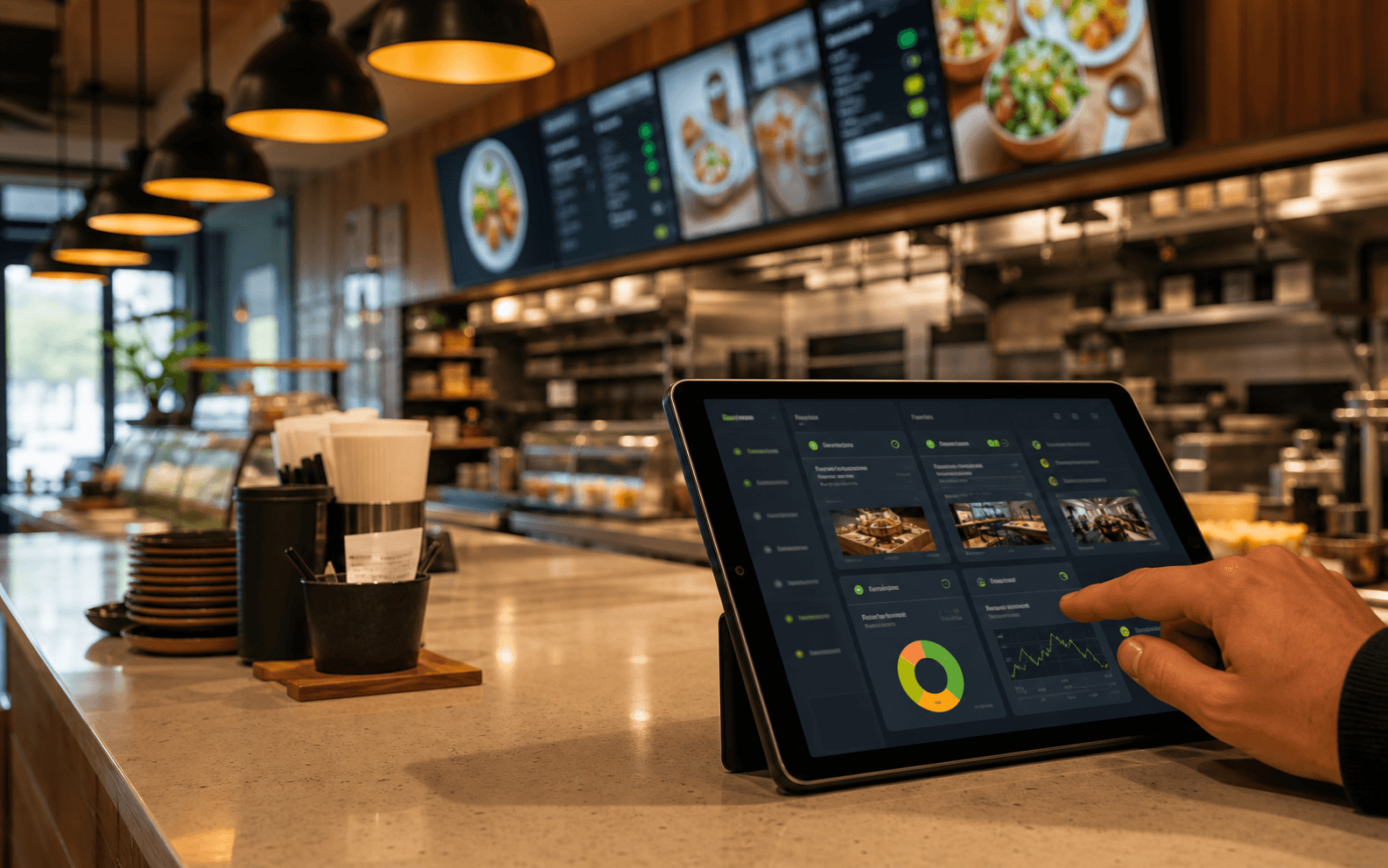
Live workflow
Why TVMenus
No separate player purchase on a compatible Google TV, quick pairing, and pricing that is easy to understand.
Install TVMenus directly when compatible Google TV is built in. That is one less device to buy, mount, power, and manage.
Check TV compatibilityPair, publish, and verify your first TV yourself. No specialist installer required.
Start a 14-day pilotPay for the number of TVs you run. One screen is free, and paid screens include every feature.
See pricingWhat you get
One job, done properly: make the file you uploaded appear on the screens you chose, and keep it there.
Use the artwork you already have. A JPG, PNG, or MP4 from your designer, your printer, or Canva goes straight onto the screen.
New price, new special, holiday hours. Upload the new file from a laptop or a phone and the screens swap over in seconds.
Each TV keeps a local copy of its content and reconnects automatically when the internet comes back.
A counter board, a drink board, and a promo screen can each show their own file, all managed from the same dashboard.
Already have a compatible Google TV? Install TVMenus directly with no additional hardware. Google TV is built into select TCL, Hisense, and Sony models; an HDMI-only TV needs a compatible streamer.
There is no design tool to master and no layout to configure. Upload, assign, done. That is the whole product.
Everyday fit
FAQ
Short answers about what to buy, pairing a TV, and getting your artwork onto a screen.
Start a pilot