Free
$01 screen, forever
Run a real menu on a real TV, free. One screen, images only, with a small TVMenus watermark on screen. Change it as often as you like.
Start freePricing
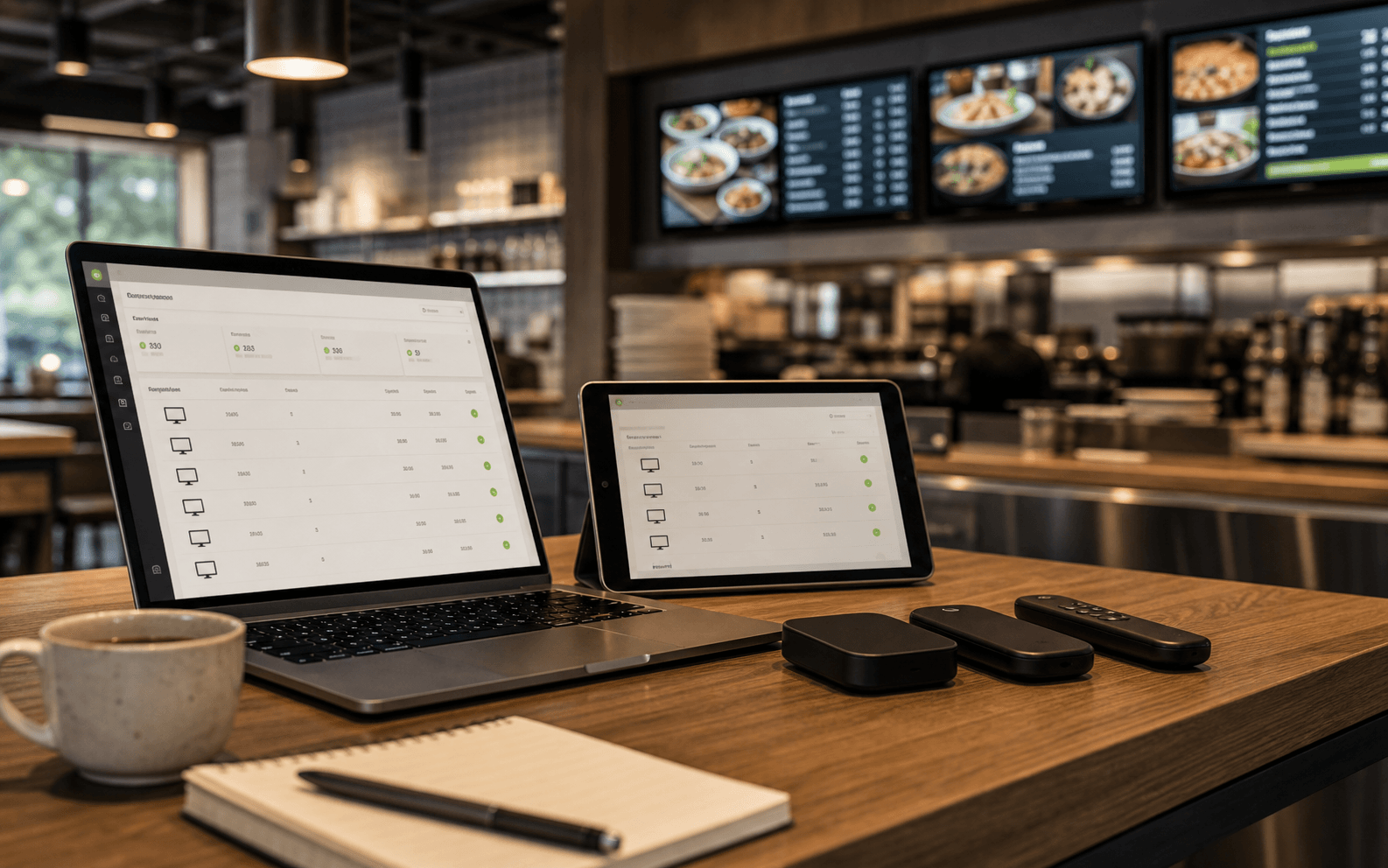
On a compatible Google TV, install TVMenus directly with no additional hardware. Every paid screen includes the TV app, dashboard, image and video uploads, and unlimited changes.
Simple monthly price
$9/screen
That's the whole software price. Run 5 or more screens and every screen drops to $7 automatically. If compatible Google TV is already built in, there is no separate signage player to buy.
Plans
Every paid screen includes the same features. Your bill changes only when you add or remove TVs.
Run a real menu on a real TV, free. One screen, images only, with a small TVMenus watermark on screen. Change it as often as you like.
Start freeImage and video uploads, no watermark, and as many changes as you want to make. Storage grows with every screen you add.
Start a 14-day trialRun 5 or more screens and every screen drops to $7. A 12-screen sports bar pays 12 × $7 = $84/month — everything included, every screen.
Start a 14-day trialAlready have a compatible Google TV? Install TVMenus directly—no additional hardware required. Google TV is built into select models from TCL, Hisense, and Sony; check your model for Google Play. If Google TV isn’t built in, add a compatible streamer (Google Store · Amazon) to an HDMI TV.
Included on every paid screen
Free plan
For the smallest venues: one TV, images only, with a small TVMenus watermark on screen. Same uploads, same remote changes, same reliability. When you outgrow it, paid screens are $9 — your uploads come with you.
Try everything first
No credit card. Pair your first screen, run a real Friday service on it, then decide after you have checked it during a real shift. If you do nothing, you land on the Free plan — your screen keeps playing.
Franchises and multi-location
The price and the product are the same at every size — nothing here is gated behind a sales call. But once you are past about 25 screens or 5 locations, setup stops being a one-afternoon job and we would rather help than let you work it out alone.
What we can help with, at no extra cost:
Start the trial first, then talk to us.
Pair one screen at one location and see it working before you plan the rollout — it takes about ten minutes and answers most questions faster than we can. Bring what you learn to us and we will help with the rest.
FAQ
Straight answers about how the per-screen model works.
No contract. Add or remove screens any month; billing follows automatically.