CB
Combo & bundle planner
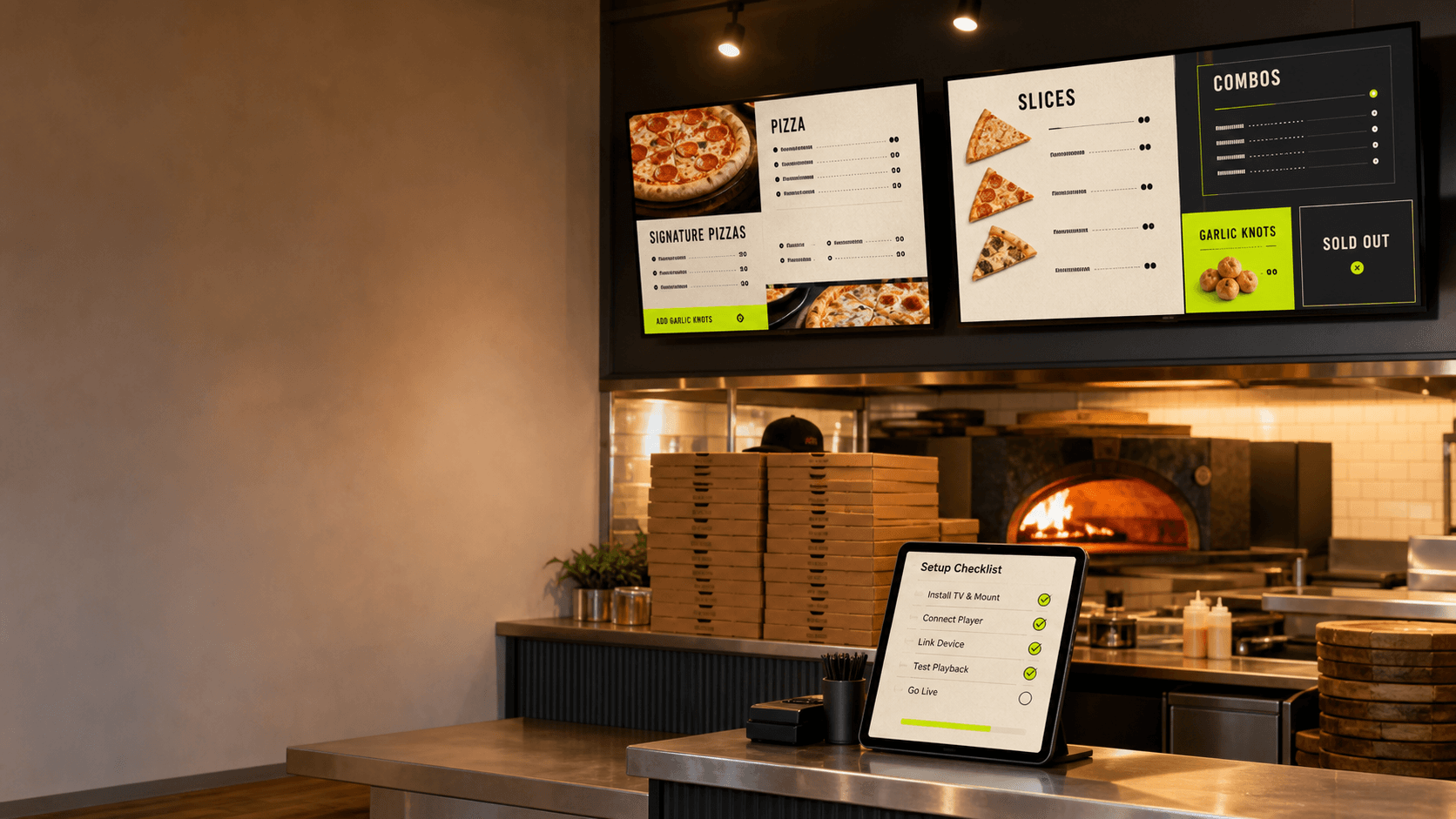
Lay out value combos, limited-time offers, and high-margin upsells so the menu reads cleanly during peak rush.
The Quick-Service Menu Board Setup Kit covers hardware, combo design, drive-thru layout, daypart rotation, and the operational pitfalls QSR operators see in the first 90 days after installing TVs.
Design combo menus, value bundles, and limited-time offers without forcing staff to manually update each screen.
Plan drive-thru menu layouts that protect speed of service when the line is 12 cars deep.
Choose hardware rated for daypart switching, outdoor reflections, and 16-hour runtime windows.
Instant access
Built for QSR and drive-thru operators planning screens for the counter, drive-thru lane, and second-window upsell — without one more system to babysit.
We send the kit immediately by email and follow up with 4 short operator-grounded notes over the next week. Unsubscribe anytime.
Lay out value combos, limited-time offers, and high-margin upsells so the menu reads cleanly during peak rush.
Plan pre-sell, order point, and pickup-window displays so customers see the right thing at the right step — including outdoor and bright-light conditions.
Switch breakfast, lunch, late-night, and weekend menus on schedule — no manager standing on a chair with a USB drive.
Why TVMenus fits QSR operations
Daypart scheduling so the lunch combo, dinner bundle, and late-night specials switch automatically.
Per-screen targeting so the drive-thru pre-sell loop is different from the counter board.
Device health, screenshot capture, and telemetry so a screen going dark during peak rush triggers an alert — not a customer complaint.